Our programs
Beginner-friendly ways to start
Every path is designed for older kids and teenagers aged 10–17, and starts with a free trial class so every learner can find their fit.
Scratch Coding for Beginners
Introduces young learners to programming through Scratch — a simple, visual, and engaging way of exploring coding. Students snap together colourful blocks to build stories, games, and animations, learning core programming concepts without needing to type a single line of code. It's the first step on our coding path, which continues below with Python, web development, Raspberry Pi, and Arduino.
Book a Free Trial Class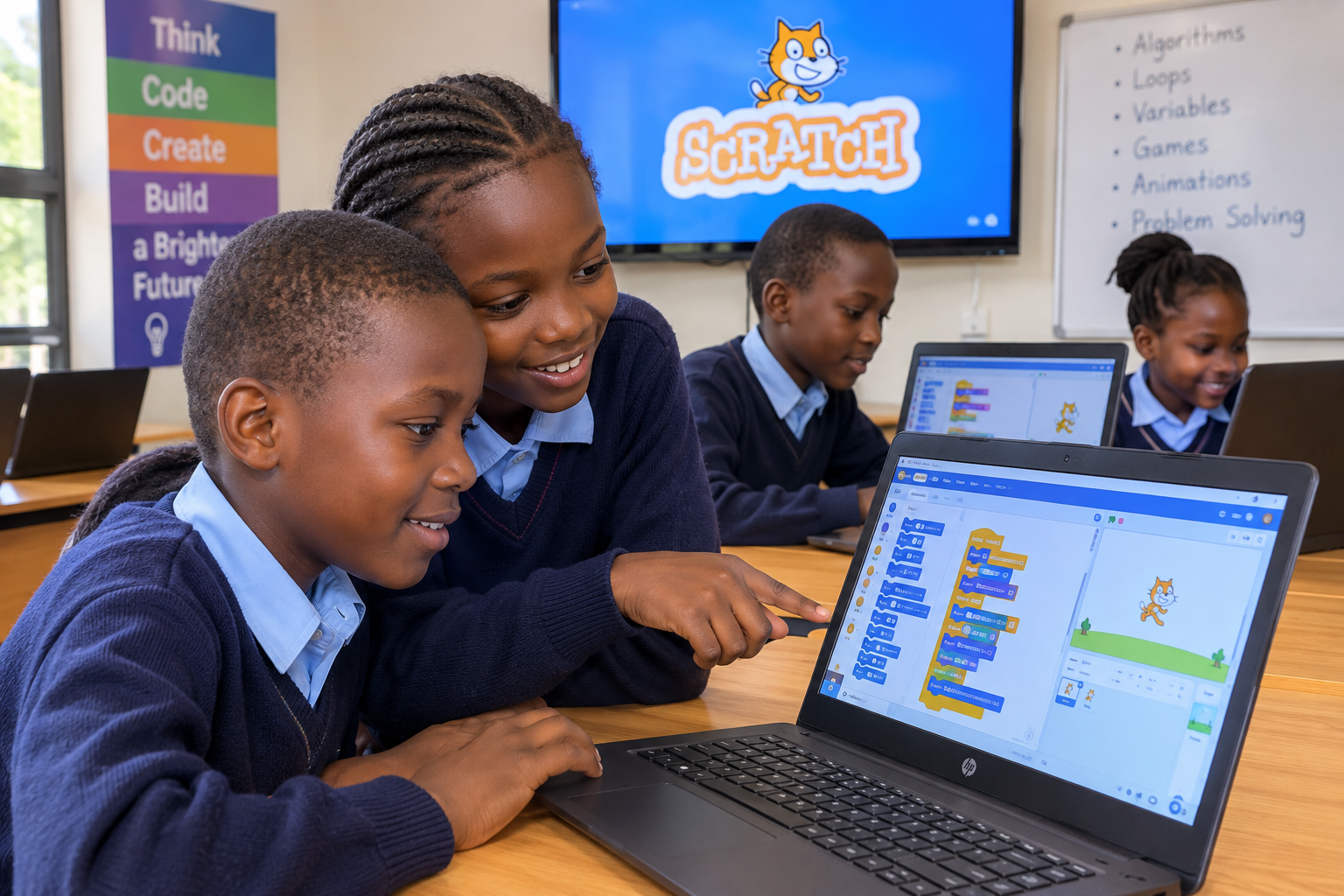
Creativity
Build stories, games, and animations.
Problem solving
Work through challenges block by block.
Logical thinking
Understand sequence, loops, and events.
Programming fundamentals
A visual first step into real coding concepts.
Python Programming
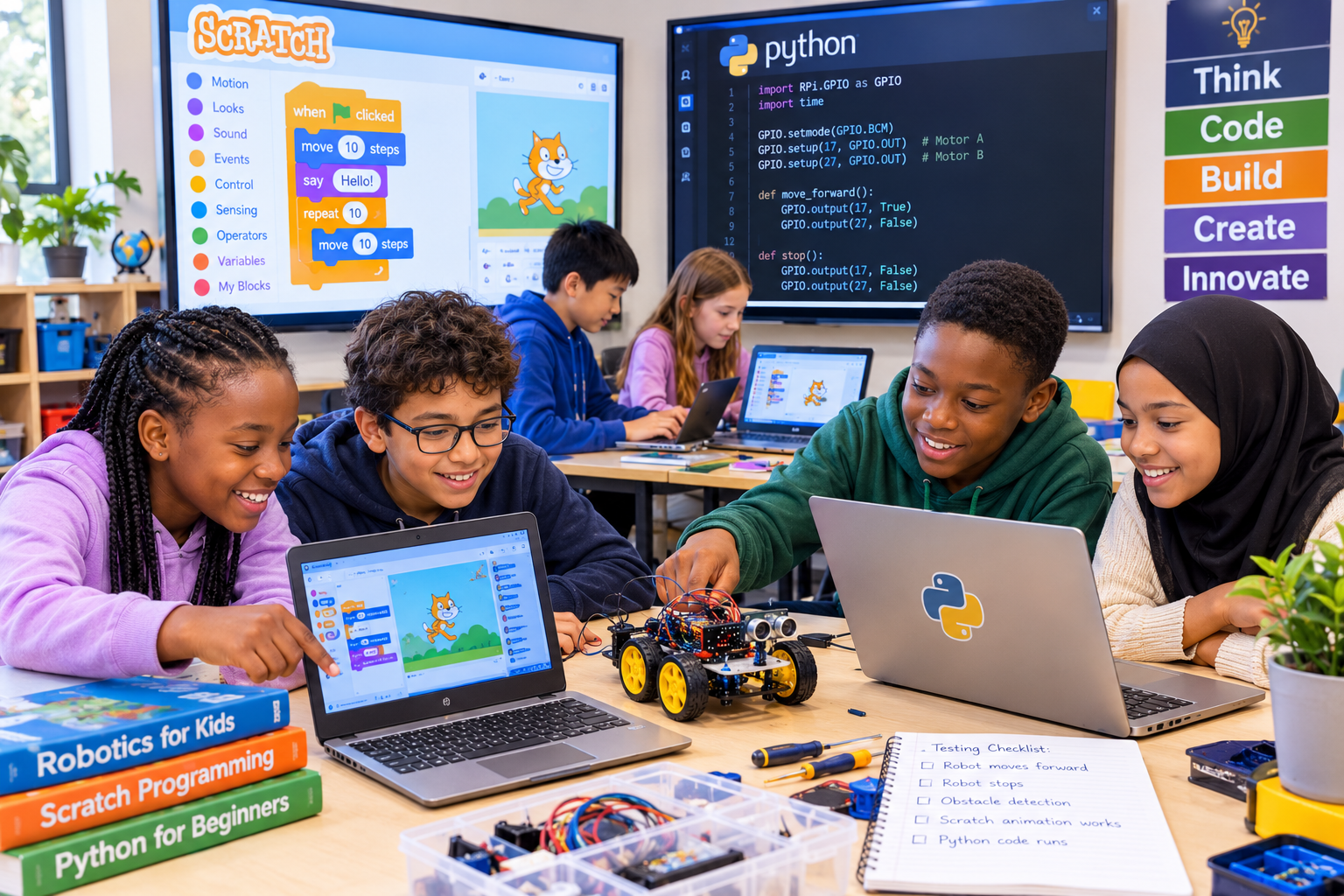
Once learners are comfortable with Scratch, they move on to Python — a real, text-based programming language used across the industry. Students learn to write actual code, work with variables and logic, and build small programs and games from scratch.
Book a Free Trial ClassReal code
Move from blocks to typed, text-based programming.
Core logic
Variables, loops, and conditionals explained clearly.
Mini projects
Build small programs and simple games.
Industry-relevant
One of the most widely used languages today.
Web Development
Learners find out how websites are actually built, writing HTML, CSS, and JavaScript to design and structure their own pages. It's a hands-on introduction to how the sites and apps they use every day come together.
Book a Free Trial Class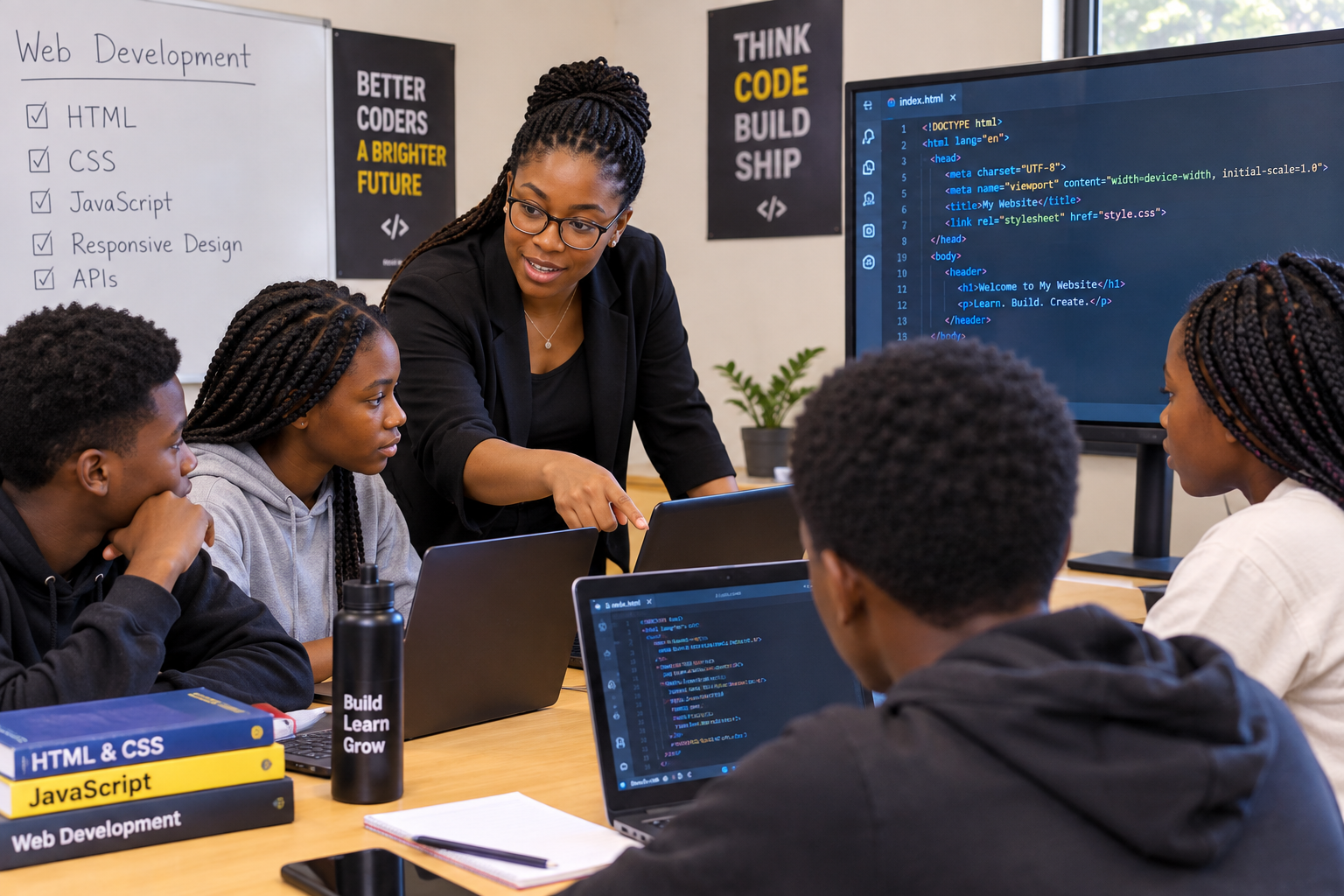
HTML & CSS
Structure and style real web pages.
Creativity
Design pages that reflect their own ideas.
JavaScript basics
Add interactivity to a page.
Shareable projects
Build pages they can show family and friends.
Raspberry Pi
Students get hands-on with the Raspberry Pi, a full computer the size of a credit card. They learn to set it up, run code on it, and connect it to simple electronics — a first real taste of how software controls hardware.
Book a Free Trial ClassReal hardware
Set up and run a full computer.
Code meets circuits
Control simple electronics with code.
Guided projects
Beginner-friendly, step-by-step builds.
Practical skills
A foundation for more advanced tech projects.
Arduino
Learners program an Arduino board to control lights, sensors, and small motors, seeing their code take effect in the physical world. It's a hands-on way to understand electronics and embedded programming.
Book a Free Trial Class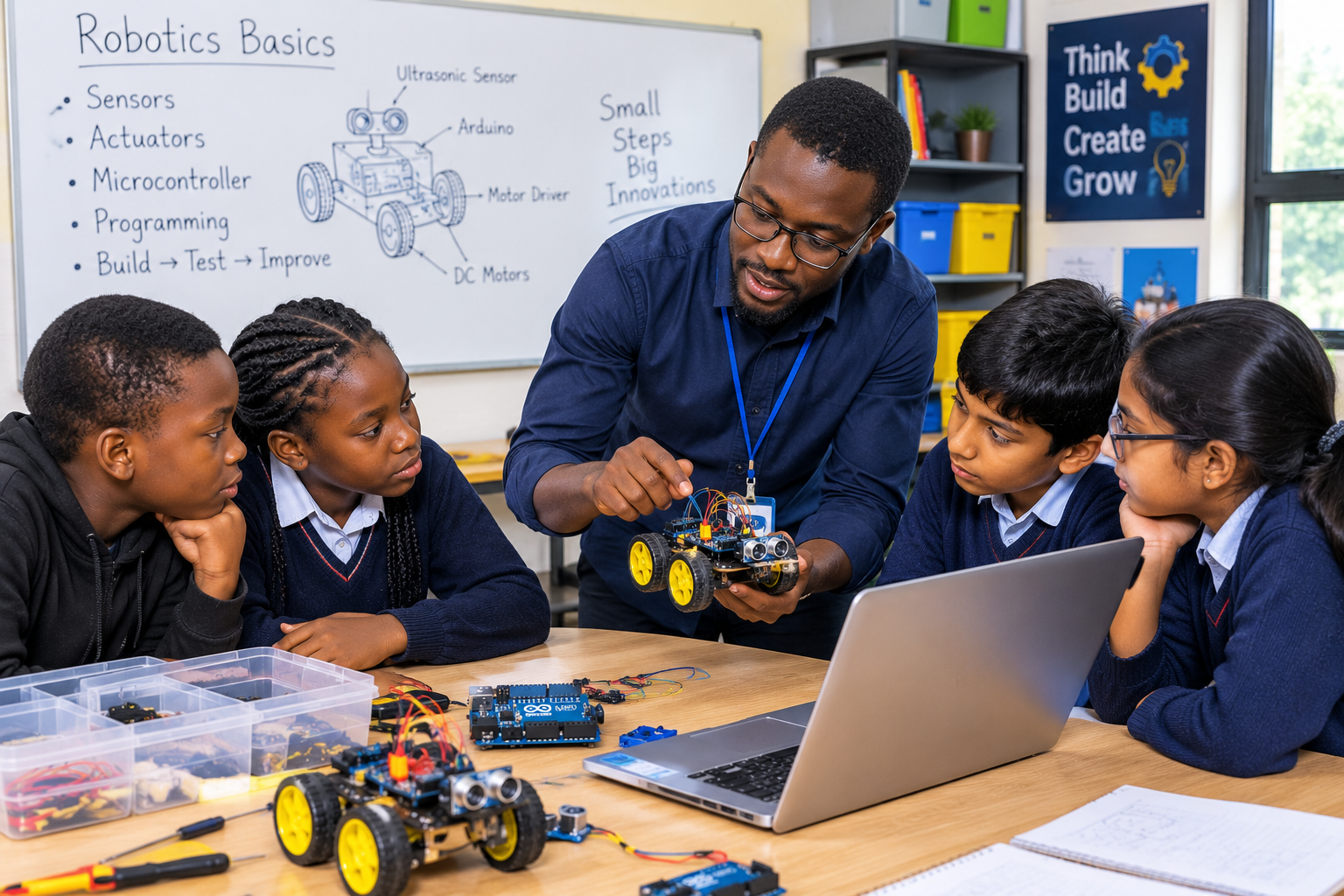
Embedded coding
Program a microcontroller directly.
Sensors & motors
Connect and control real components.
Hands-on builds
See code turn into physical action.
Problem solving
Debug circuits as well as code.
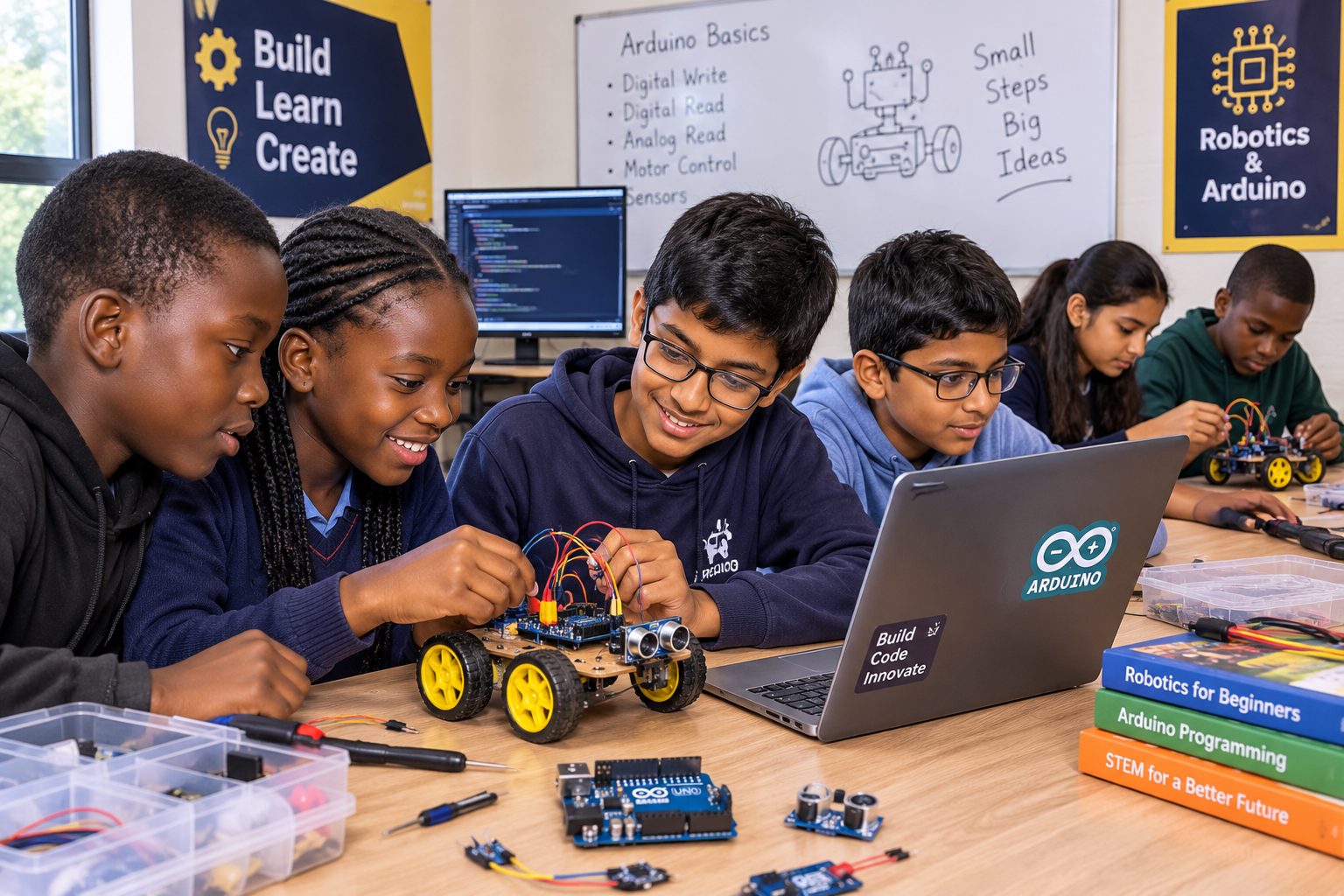
Robotics for Beginners
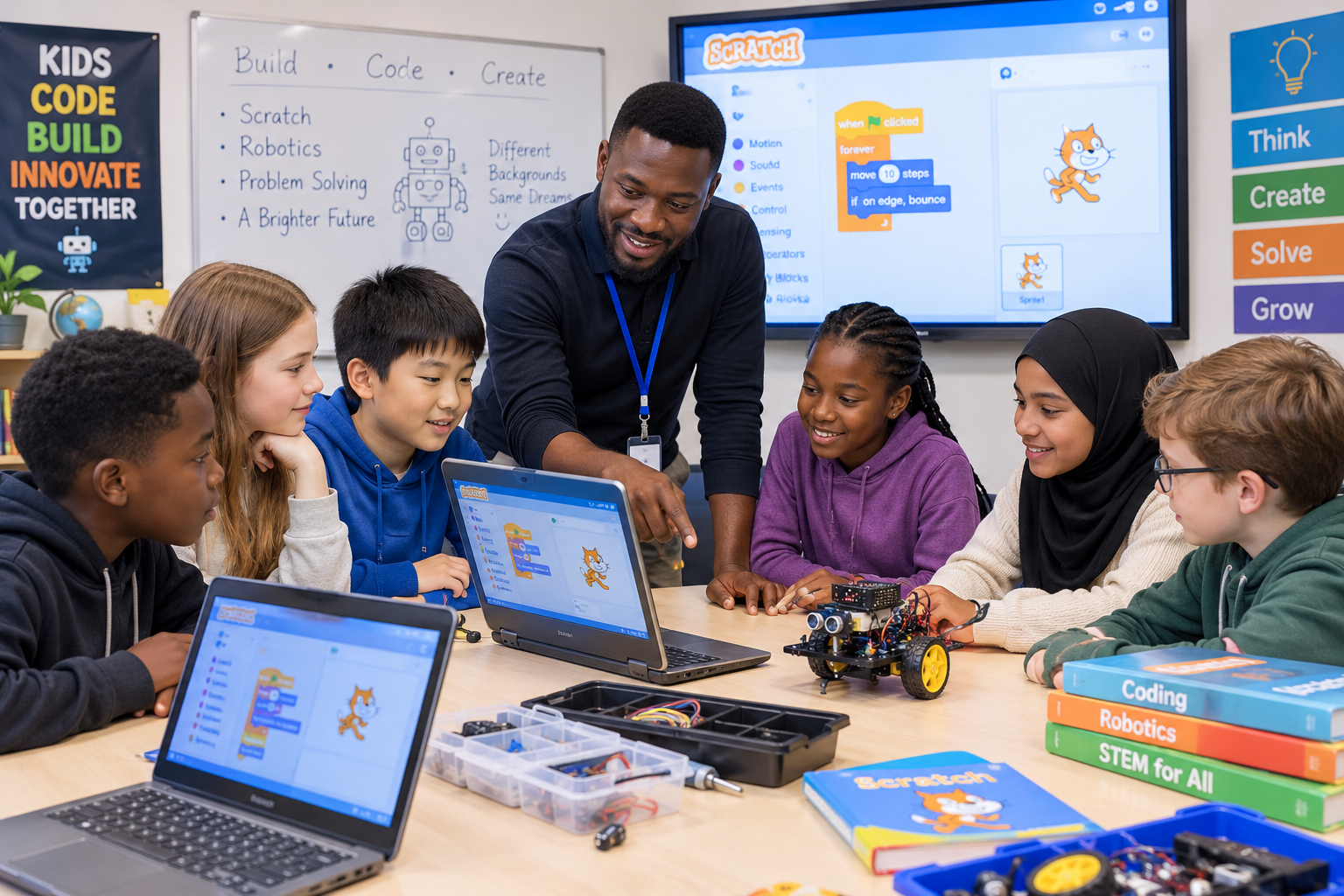
Introduces students to robotics concepts and encourages practical problem-solving, creativity, technology skills, and innovation. Learners get hands-on with micro:bit and mBot kits, covered in more detail below.
Book a Free Trial ClassProblem solving
Tackle real, hands-on challenges.
Creativity
Design and build practical ideas.
Engineering thinking
Learn how components work together.
Innovation
Explore practical technology ideas.
micro:bit
The micro:bit is a tiny pocket-sized computer with its own LED display, buttons, and sensors. Learners program it to display messages, react to motion, and respond to light and temperature — a friendly first step into physical computing.
Book a Free Trial Class
LED display
Program lights, icons, and messages.
Sensors
React to motion, light, and temperature.
Beginner-friendly
A gentle first step into physical computing.
Quick projects
See results in a single session.
mBot
mBot is a beginner robotics kit built around a small wheeled robot. Learners program it to drive, avoid obstacles, follow lines, and respond to its surroundings — turning code into real, moving machines.
Book a Free Trial ClassDrive & navigate
Program movement and turns.
Obstacle avoidance
Use sensors to react to surroundings.
Line following
Guide the robot along a path.
Build confidence
See code control a real machine.
Program gallery
A look at all our programs in action
Scratch Coding for Beginners
Python Programming
Robotics for Beginners
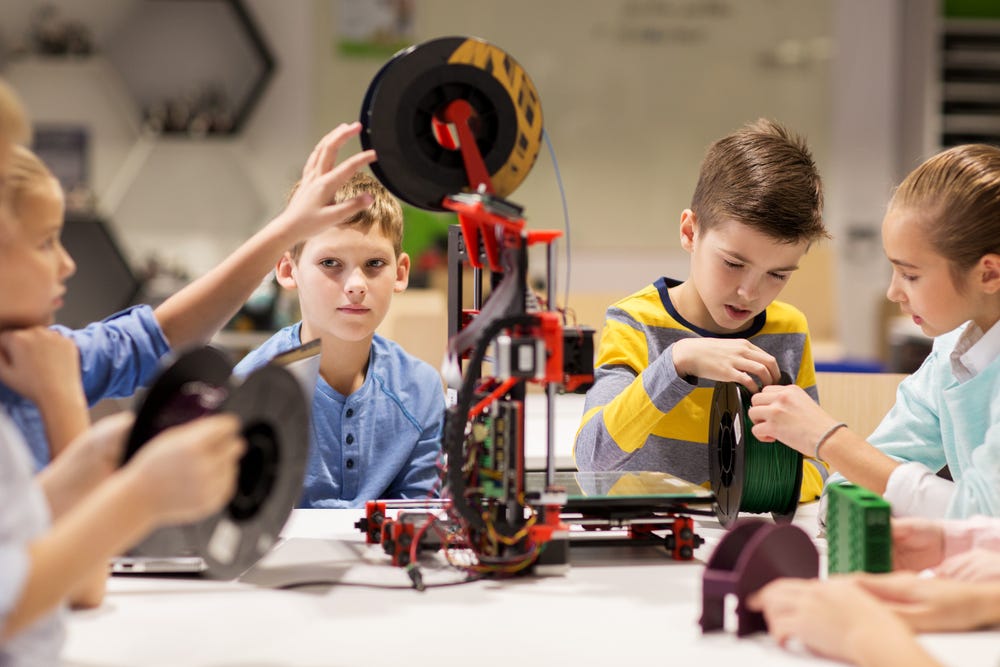
Testing a build
Not sure which program fits your child?
Reach out and we'll help you choose the right free trial class to start with.